
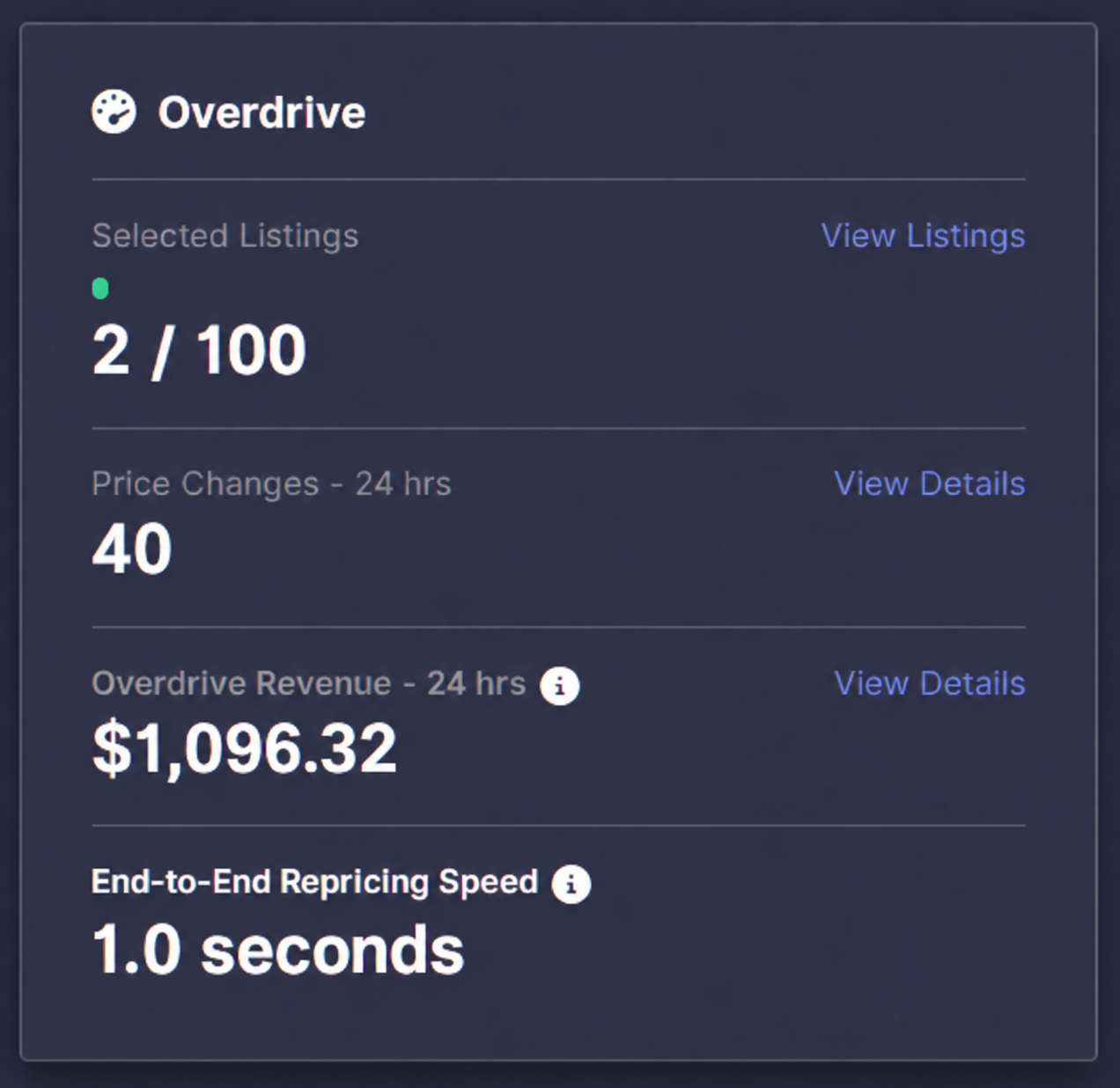
The dashboard now shows Overdrive Revenue, a new metric that tracks revenue from listings with Overdrive enabled over the past 24 hours.
Use it to see how much revenue your Overdrive-enabled listings are generating at a glance, alongside your price changes and end-to-end repricing speed. The metric shows total revenue from those listings; it does not measure revenue caused by Overdrive.
Overdrive prioritizes price updates for the listings you select, helping your most competitive Amazon listings respond faster when competition changes. Not every listing needs the fast lane: consider starting with listings where Buy Box ownership changes frequently. Learn more about what makes a repricer fast.
Ready to get started? Open your Subscription page and add Overdrive or Overdrive Pro. Then head to the Listings page and enable Overdrive for the listings you want to prioritize. Visit the Overdrive Help Center article for setup details, and keep an eye on your dashboard to see your Overdrive revenue.