
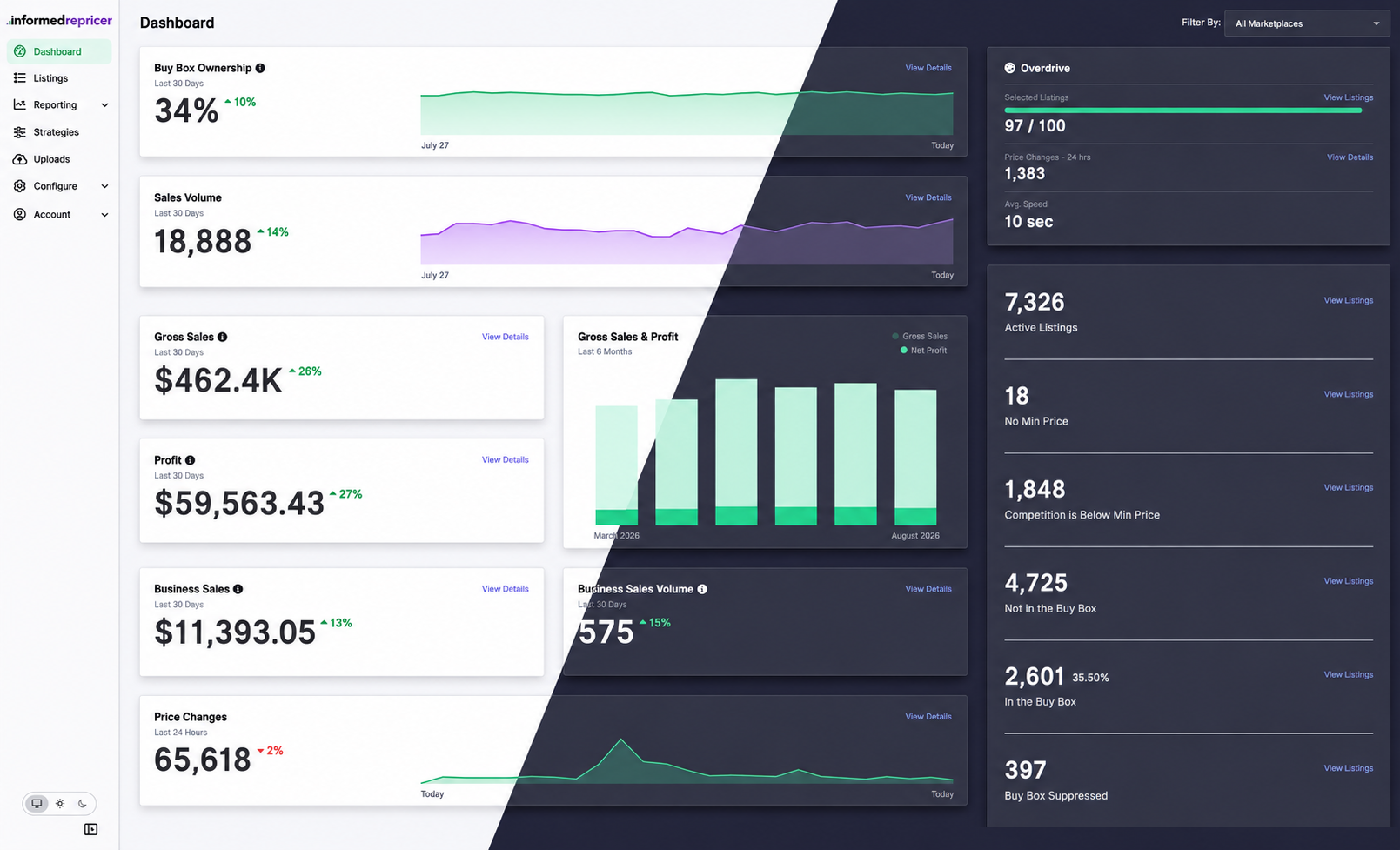
You can now choose the appearance that works best for you in Informed Repricer. By default, the app follows your device's appearance.
To change your theme, use the switch at the bottom of the left sidebar:
- Auto (monitor icon) follows your device's appearance.
- Light (sun icon) keeps the app light.
- Dark (moon icon) keeps the app dark.
You can change your selection at any time.