
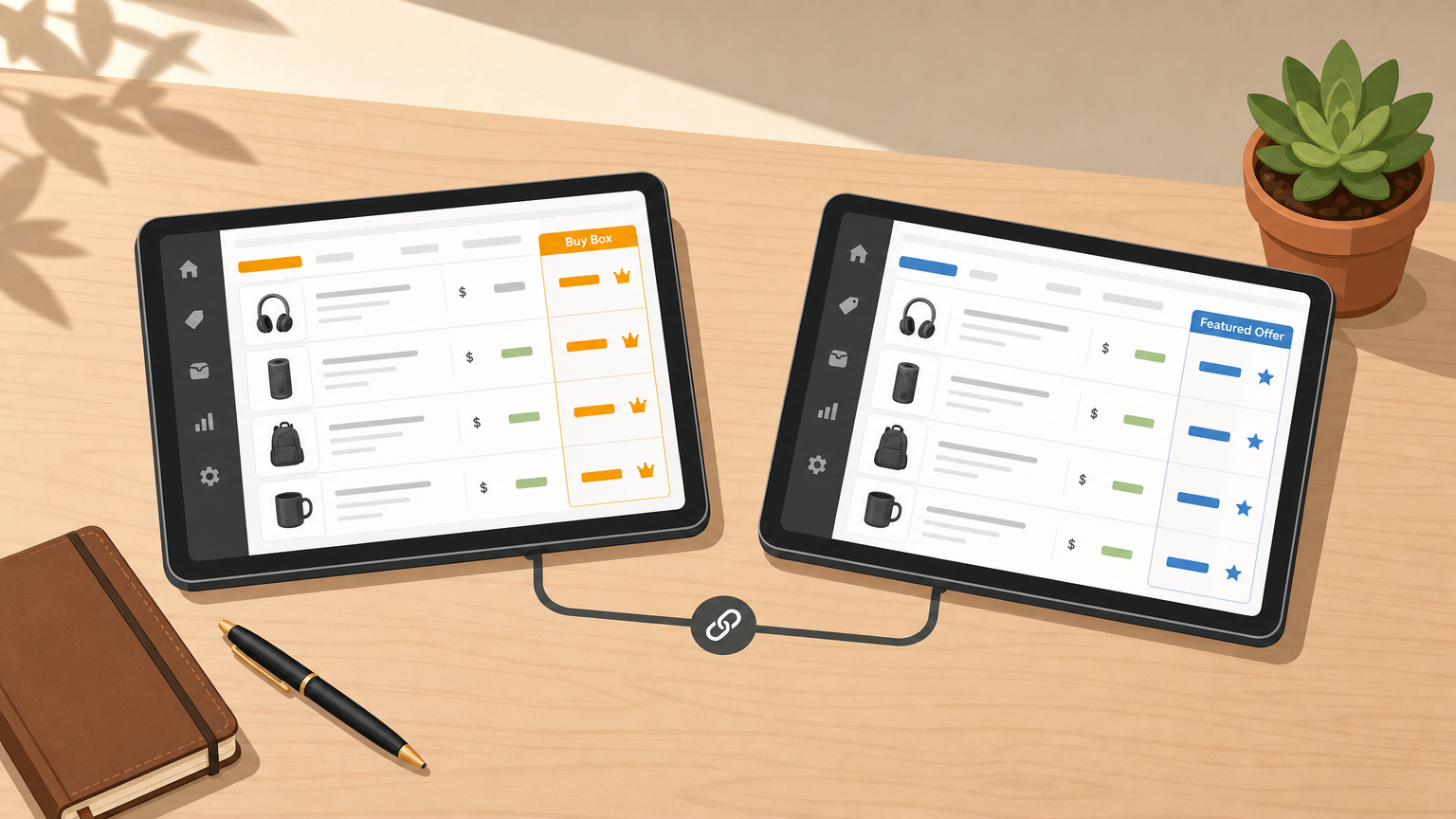

Selling on both Amazon and Walmart creates a pricing management problem that a single-channel tool simply can't solve. Amazon's Buy Box and Walmart's Featured Offer run on different eligibility logic, different fulfillment economics, and different competitive signals. If your repricer doesn't account for those differences, you'll either leave money on the table or trigger price drops that hurt margin on both channels simultaneously.
This guide walks you through the complete setup: choosing the right cross-platform repricing tool, linking both accounts correctly, configuring strategy templates for dual-listed SKUs, and setting margin guardrails that protect profit while staying competitive.
Who this is for: Owner-operators and pricing managers who actively sell on Amazon Seller Central and Walmart Marketplace and want one repricer managing both channels intelligently.
Prerequisites: Active seller accounts on both platforms, accurate cost data for each SKU (product cost, inbound fees, and fulfillment method), and roughly 60-90 minutes for initial configuration.
Difficulty: Intermediate. The steps are straightforward, but getting guardrails right requires careful cost inputs.
Why most Amazon repricers fail Walmart sellers
Many tools were built exclusively for Amazon and retrofitted to handle Walmart. The result is slower data refresh, less accurate competitor price reads, and rule logic that ignores Walmart-specific constraints.
The core mechanical differences matter for configuration:
- Amazon's Buy Box considers price, fulfillment method (FBA vs. FBM), seller metrics, and shipping time.
- Walmart's Featured Offer weighs price heavily but also considers seller performance scores, Walmart Fulfillment Services (WFS) eligibility, and item-level pricing eligibility. As of May 25, 2026, Walmart Marketplace Learn describes Walmart's native Repricer as a Seller Center tool enabling automatic price adjustments across an entire catalog, confirming that Walmart treats price automation as a first-party capability distinct from Amazon's ecosystem.
The implication: a true Amazon + Walmart multichannel repricing tool must handle both channels natively, not as an afterthought.
Step 1: Prerequisites and account linking
Before enabling any automation, complete this checklist.
Account readiness:
- Amazon Seller Central account is active, and your listings are in a repriceable state (no suppressed ASINs, no pending approval blocks)
- Walmart Marketplace account is active, and item listings are published and eligible (not in a restricted category or unpublished status)
- You have your fulfillment method documented per SKU: FBA, Walmart Fulfillment Services (WFS), or Fulfilled by Merchant (FBM)
Cost inputs ready per SKU:
- Product cost (landed cost including inbound shipping)
- Amazon referral fee percentage for the category
- FBA or FBM shipping cost per unit
- Walmart referral fee percentage
- WFS fee or your FBM shipping cost for Walmart
- Target margin percentage (minimum acceptable)
Getting these numbers wrong is the single most common cause of harmful repricing. If your cost inputs are off by even a few percent, your floor price will be miscalculated and the repricer may sell at a loss before you catch it.
Linking flow:
- Connect your Amazon Seller Central account via the repricer's OAuth or MWS/SP-API authorization. Confirm that ASINs are populated and that current prices are visible in the dashboard.
- Connect your Walmart Marketplace account using the provided API credentials. Confirm item IDs (Walmart uses item IDs rather than ASINs) are populated and prices are displaying correctly.
- Cross-reference at least 10 dual-listed SKUs. Verify that the Amazon ASIN and the Walmart item ID map to the same physical product in the repricer's catalog view.
- Check data sync timing. For both channels, confirm that competitor price updates are appearing at acceptable intervals. Delayed data from Walmart in particular can cause rules to fire on stale information.
Pre-launch sanity check:
Pick three SKUs before enabling automation. Manually input the expected min/max values and run a simulation or preview mode if your repricer supports it. Confirm the output price falls within your intended range. Only proceed once those three look correct.
Platforms like Informed Repricer are built with this dual-channel workflow in mind, offering instant repricing that reacts to competitor price changes in real time on both Amazon and Walmart, with clear account-level linking and SKU-level visibility across channels.
Step 2: Strategy templates for dual-listed SKUs
Once both accounts are linked, you'll configure repricing rules. The four templates below cover the most common dual-listing scenarios.
Template 1: Profit-first baseline (same SKU, both channels)
Use this as your default starting point for SKUs where you have no strong reason to treat channels differently.
- Rule logic: Match the lowest competitive price on each channel, but only down to your channel-specific floor. Allow upward repricing when you hold a position advantage (e.g., you're the only FBA/WFS seller).
- Update frequency: As fast as your repricer allows. Informed Repricer's instant repricing capability means you're reacting within seconds rather than minutes, which matters in high-velocity categories.
- Required guardrails: Set a minimum price floor per channel using your cost formula (see Step 3). Set a maximum price ceiling to prevent accidental mispricing surges.
Template 2: Price-sensitive Walmart listings (Featured Offer focus)
Walmart shoppers tend to be more price-sensitive than Amazon shoppers for equivalent products, and the Featured Offer algorithm weights price heavily.
- Rule logic: Price aggressively toward the Featured Offer threshold, but use stricter floors than your Amazon equivalent because Walmart referral fees or WFS fees may differ from Amazon's FBA economics for the same SKU.
- Update frequency: High. Walmart's competitive landscape can shift quickly for commodity products.
- Required guardrails: Set a tighter minimum floor than on Amazon for this SKU (account for any WFS vs. FBA fee difference). Set an upper boundary to avoid pricing out of Featured Offer contention unnecessarily.
Template 3: Premium Amazon listings (Buy Box protection)
For established Amazon listings where you have strong metrics and want to defend position without racing downward:
- Rule logic: Match competitors conservatively. Allow slow upward price testing when you're winning the Buy Box already. Reduce repricing aggression after you've held the Buy Box for a defined window.
- Update frequency: Moderate. Frequent small adjustments can disrupt upward pricing experiments.
- Required guardrails: Set a ceiling that reflects the upper bound of realistic market price for the category. Set a floor consistent with your Amazon fee structure.
Template 4: New listings or low-competition products
For listings with limited market signals, start conservatively.
- Rule logic: Hold at a stable initial price. Only activate competitive repricing once you have enough price history to validate where the market actually sits.
- Update frequency: Low initially. Increase once price data is reliable.
- Required guardrails: Both floor and ceiling are mandatory here. Without history, the repricer has limited data to work with, so the guardrails do most of the protective work.
Step 3: Setting floors, ceilings, and margin guards
Floors and ceilings are not optional. An open-ended repricer with no minimum price will eventually drop a price to zero or below cost during a competitive surge. An open-ended ceiling will trigger marketplace flags for price gouging or anomalous pricing.
Minimum price floor (loss prevention):
The floor is the lowest price at which you're willing to sell and still cover costs. A practical formula:
Minimum Price = Product Cost + Fulfillment Fee (channel-specific) + Marketplace Fee + Target Margin
Example structure (not actual figures, as your costs vary):
- Product cost: $12.00
- Amazon FBA fee: $3.50
- Amazon referral fee (15%): calculated at final price
- Target margin: 15%
Because the referral fee is percentage-based, you'll need to solve for the price algebraically or use your repricer's built-in cost tool if it supports fee-aware floor calculation. The key point: set this per channel, not once for both. WFS fees and Amazon FBA fees are different. A floor set using Amazon economics will be too low for Walmart if WFS fees are higher, and vice versa.
Maximum price ceiling (mispricing protection):
Set the ceiling at a price that reflects the realistic upper range of what the market will bear. For most categories, a ceiling 20-40% above your current active price provides enough room for upward testing without risking marketplace anomaly flags. Adjust tighter for regulated or monitored categories.
Common failure modes to avoid:
- Missing fulfillment fee differences between channels. If you copy an Amazon floor directly to Walmart without adjusting for WFS vs. FBA cost differences, the floor may be too low.
- Ignoring brief competitor surges. If a competitor goes out of stock and prices spike, your repricer should be allowed to reprice upward within the ceiling. Don't lock prices during surges or you'll miss margin recovery.
- Yo-yo pricing from matching competitors who are also using automated repricing. If both sellers are repricing against each other without floors, prices spiral down. Your floor stops this for your side.
Margin recovery after stability:
Once you've held your floor or mid-range price for a defined window (typically 48-72 hours of consistent Buy Box or Featured Offer holding), allow the repricer to test incrementally higher prices. Informed Repricer's Smart Algorithms are designed to identify when there's room to move price upward and do so without triggering a competitive response, protecting profit margins rather than just chasing the lowest price.
Step 4: Monitoring and tuning after launch
Don't set rules and walk away. The first two weeks after enabling automation are the most important for catching misconfigured guardrails.
Daily checks (first two weeks):
- Buy Box win rate on Amazon for piloted ASINs
- Featured Offer placement on Walmart for piloted item IDs
- Any suppressed or unpublished Walmart items (suppressed items won't reprice, so you may be sitting inactive without realizing it)
- Price-change frequency: if a SKU is repricing dozens of times per hour, you likely have a yo-yo situation developing
Weekly reviews (ongoing):
- Margin per unit vs. target margin (use your Actionable Insights data if your repricer surfaces this)
- ASINs/items where you're consistently losing Buy Box or Featured Offer despite having competitive prices (often a metrics or fulfillment eligibility issue rather than a pricing issue)
- Floor and ceiling relevance as your cost inputs change (shipping rates, fee structure updates, and supplier cost changes all affect where your floor should sit)
Two-phase rollout:
Phase 1: Enable automation on 10-20 SKUs across both channels. Run for 7-10 days. Evaluate win rates and margin impact before expanding.
Phase 2: Roll out to full catalog with lessons from Phase 1 applied. Adjust template assignments as needed based on observed behavior.
If something changes unexpectedly, run this "What changed?" routine:
- Did a competitor change their price? Check competitor price history if your repricer surfaces it.
- Did your guardrail trigger? Check whether the price hit your floor or ceiling.
- Did fulfillment or inventory status change? A listing switching from FBA to FBM or WFS going out of stock changes competitive positioning instantly.
Step 5: Troubleshooting common issues
Price keeps dropping too low. Check your floor first. Verify that the fee inputs for the channel in question are correct. Confirm that shipping/fulfillment parameters are populated for all SKUs, because a missing value often defaults to zero, which produces an incorrectly low floor.
Walmart repricing isn't behaving like Amazon. These channels operate differently by design. As Amazon Seller Forums discussions (including a July 6, 2026 thread) confirm, Featured Offer eligibility has specific requirements that change over time. Walmart's Featured Offer is not the same as Amazon's Buy Box. Verify that your Walmart listings are eligible for Featured Offer and that your item IDs are correctly mapped in the repricer. Also check your Walmart seller performance metrics: poor scores can exclude you from Featured Offer regardless of price.
Frequent price oscillation (yo-yo). Reduce rule aggression. Increase step sizes so prices move in larger, less frequent increments. Add a cooldown window between repricing events on the affected SKUs. Confirm your floor is set and the competitor you're matching also has a floor (if they don't, you can't stop their side of the oscillation, but your floor will stop yours from hitting zero).
Automation appears delayed. Check API connection status for both channels. Data freshness varies by provider. Platforms with true real-time data pipelines will react faster than those polling on a schedule. If you're seeing multi-hour delays on competitive price reads, it's worth evaluating whether your repricer has native Walmart data connectivity or is using a secondary data source.
Certain SKUs won't reprice. Common causes: listing is suppressed or in an ineligible category; the Amazon ASIN and Walmart item ID aren't mapped to the same product in the repricer; or the SKU has a pricing restriction (price caps or floor mandates from a brand agreement). Check listing status in Seller Central and Walmart Seller Center directly, then verify the mapping in your repricer.
When to switch strategies:
If a SKU is consistently losing Buy Box or Featured Offer placement despite being at floor, the problem is not pricing. Stop repricing downward and investigate fulfillment eligibility, listing quality, and seller metrics. If a SKU is winning placement but margin is below target consistently, your floor is too low or your cost inputs are outdated. Recalculate and raise the floor before the next repricing cycle.
Before contacting support, collect:
- The specific ASIN or Walmart item ID
- Current active price vs. expected price
- Your floor and ceiling settings for that SKU
- The repricing rule or template applied
- A timestamp of the last price change event
- Fulfillment method and status at the time of the issue
Having these ready reduces back-and-forth and gets to resolution faster. Informed Repricer's Expert Live Chat Support can work through these scenarios with you directly, but the faster you can provide the above detail, the faster the diagnosis.
Putting it together
A true Amazon + Walmart multichannel repricing setup comes down to four operational decisions: link both accounts with validated cost data, assign the right strategy template to each SKU scenario, set channel-specific floors and ceilings grounded in real fulfillment economics, and monitor the first two weeks actively before expanding.
The goal isn't to have the lowest price on both channels. It's to hold Buy Box and Featured Offer at the highest price the market will sustain, channel by channel. That's the difference between a repricer that grows your business and one that quietly erodes your margins while keeping you busy watching dashboards.